How it works
You describe what you want in your AI chat. Your AI writes tests for it first, then builds the pebble, and pebblebase runs the tests and keeps it. You use it in your chat and in the pebblebase app, and you change it by asking again.
Describe it.
Section titled “Describe it.”Say what you want in your own words: what to keep, what you want to see, and when to be reminded. Connect your AI once with one URL and a passkey. No email, no password.
Build it.
Section titled “Build it.”Your AI writes your request as tests first, including entries that must be refused. Then it builds the tables, forms, views and reminders, and runs the tests until they pass. After that, a change to its tables or rules that breaks a passing test is rolled back.
Use it.
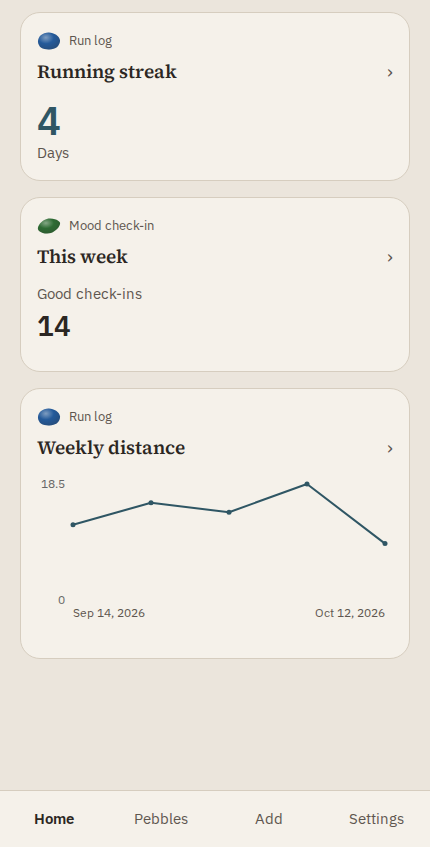
Section titled “Use it.”Ask your AI to log something, answer a question or show a view. Views and forms draw right in the chat in AI apps that support MCP Apps; other apps show the same results as text. The pebblebase app puts your pebbles on your phone, with a Dashboard, forms and reminders.
Change it.
Section titled “Change it.”Ask for a new column, a different reminder or another view. Your AI updates the pebble, and its tests make sure the parts you rely on keep working.
Come back any time
Section titled “Come back any time”A pebble doesn’t live in a chat. Start a new chat, or use another AI connected to the same account, and ask it to find your pebble. It reads the pebble’s notes and carries on.